
Spanish with songs · iPhone and iPad
Learn Spanish with songs you can understand.
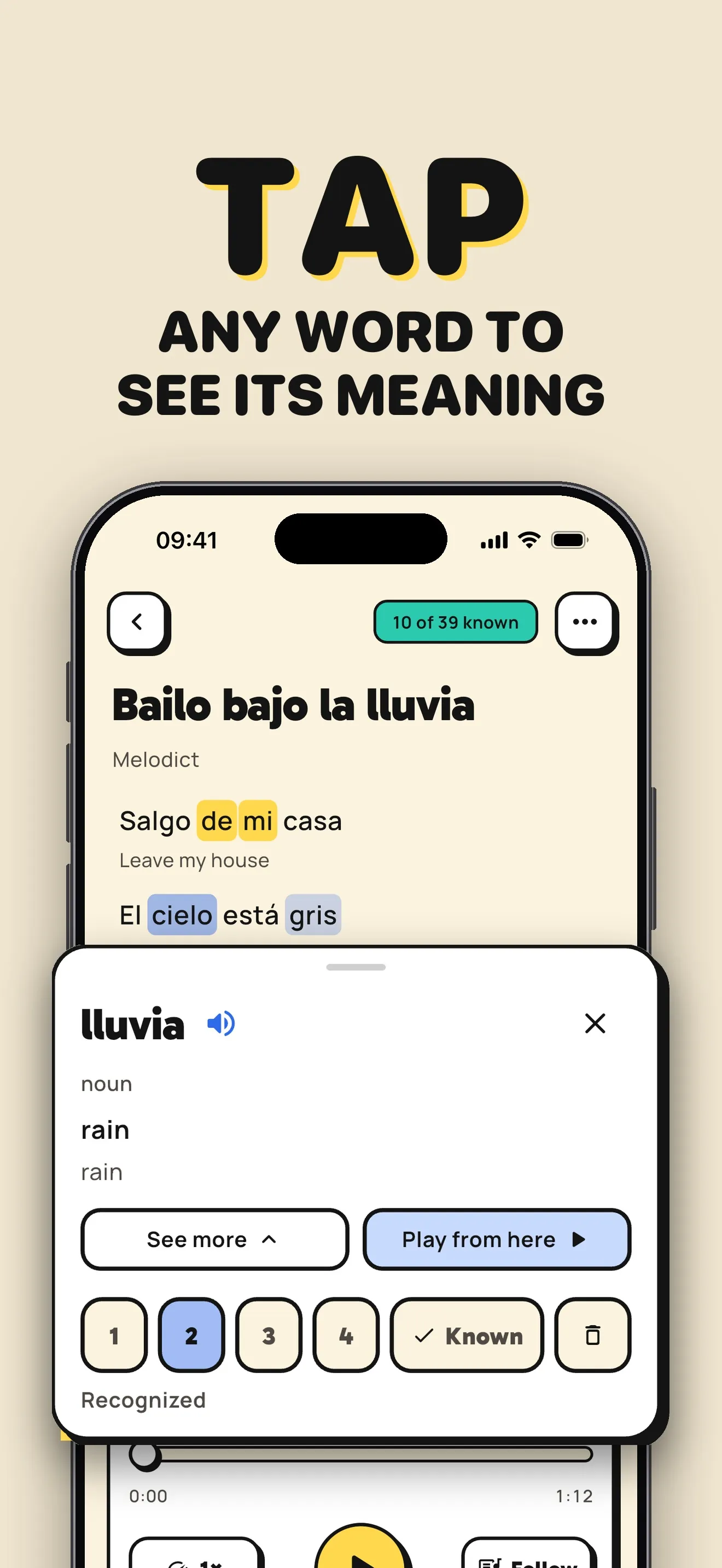
Follow Spanish lyrics with a translation under each line. Tap a word when you get stuck, hear its pronunciation, and save it to practice later.
Try Melodict on the App StoreFree sample song. Creating new songs uses paid credits.
A listening session with words to keep
Choose a topic you want to talk about
Ask for a Spanish song about ordering coffee, a weekend at the beach, or your daily routine. Choose how much new vocabulary it includes.
Listen with the lyrics in front of you
Read the translation under each line. Slow the song down to follow the Spanish, then tap unfamiliar words for their meaning and pronunciation.
Review the words from the song
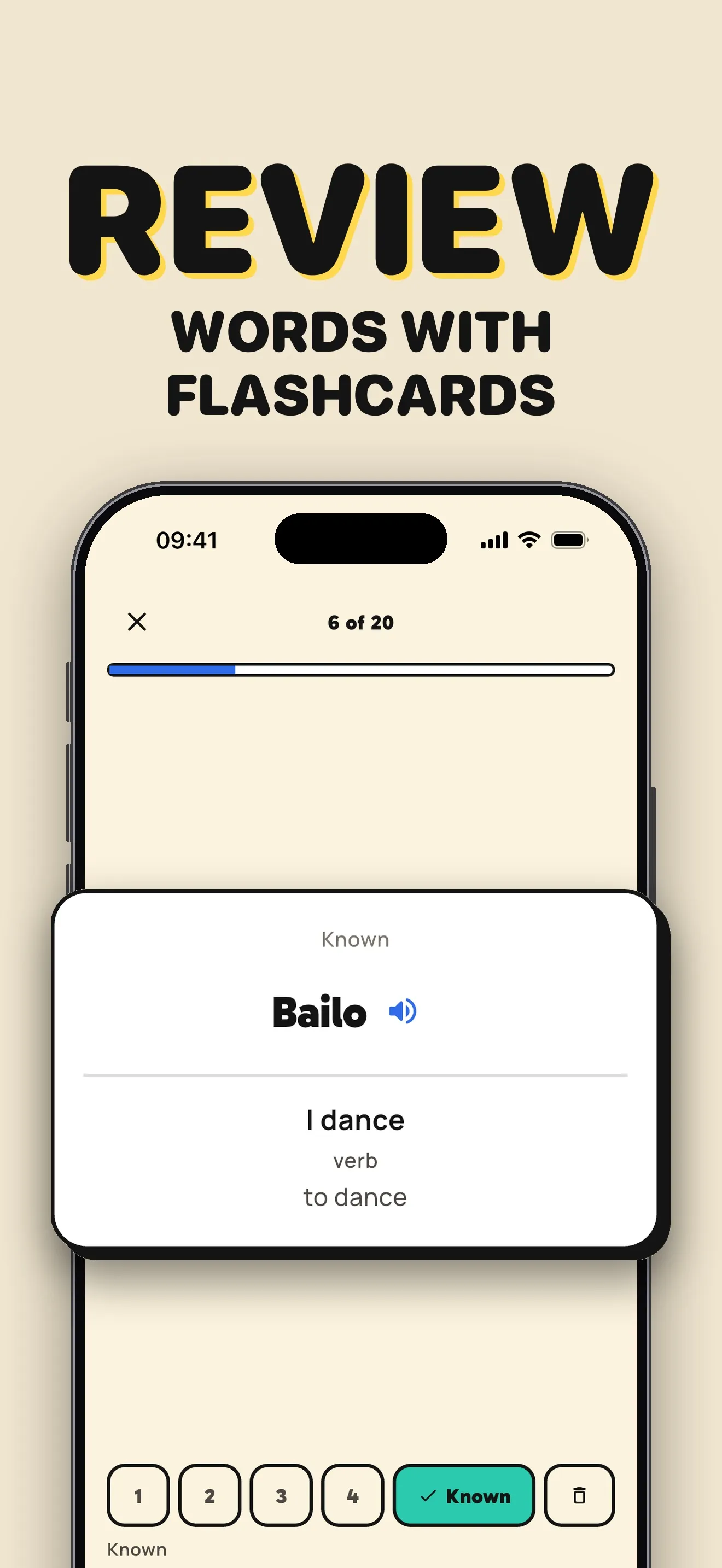
Save useful words and phrases while listening. Review them with flashcards, then return to the song and listen for them again.
A song prompt to try
A slow Spanish song about ordering coffee, with simple everyday words.
From a lyric to a flashcard
Translations and saved words stay close to the music, so you can switch between listening and review.
Before you start
Can I use Melodict as a beginner in Spanish?
You can create songs for your level and choose the balance of new and known words. Line-by-line translations help you follow the lyrics. Start with a short song and a few words to review.
Can I try Melodict for free?
Start with a free sample song. Creating new songs uses credits, available in one-time packs or with a weekly or monthly subscription. Check the App Store for current prices in your country.
Can I upload my own music?
You can upload music you already have. Melodict transcribes it on your device and adds word timings so you can follow the lyrics. You can also turn your own lyrics into a song.