
French with songs · iPhone and iPad
Make French listening practice part of your playlist.
Listen to French while reading translated lyrics. Check the words you miss, hear their pronunciation, and come back to them in a short flashcard session.
Try Melodict on the App StoreFree sample song. Creating new songs uses paid credits.
A listening session with words to keep
Give your song a useful setting
Create a French song about a morning in Paris, meeting a friend, or shopping for dinner. Choose the mix of new and familiar words.
Connect the sound to the written word
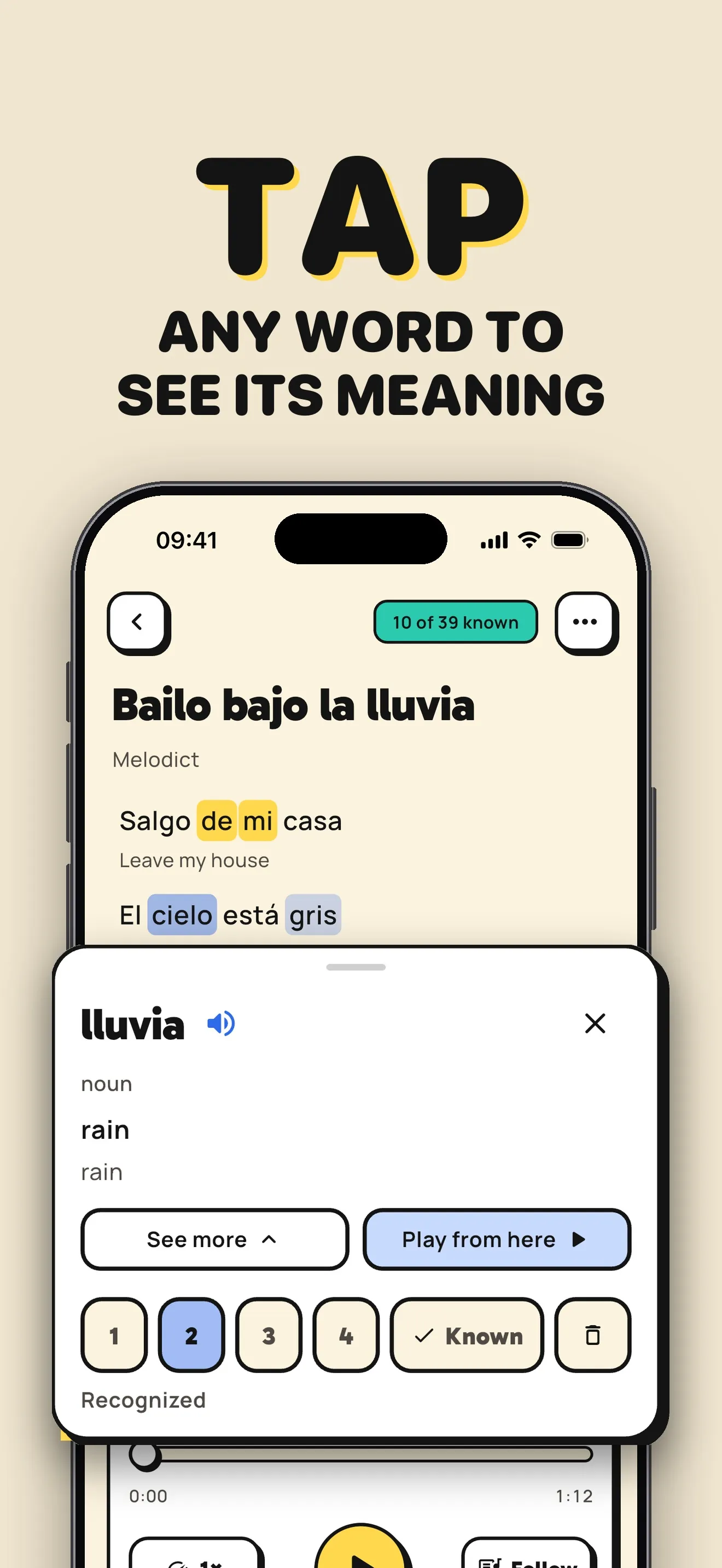
Follow the lyrics as the song plays. Slow down the music when a line moves too fast and tap a word to hear its pronunciation.
Keep the phrases you want to use
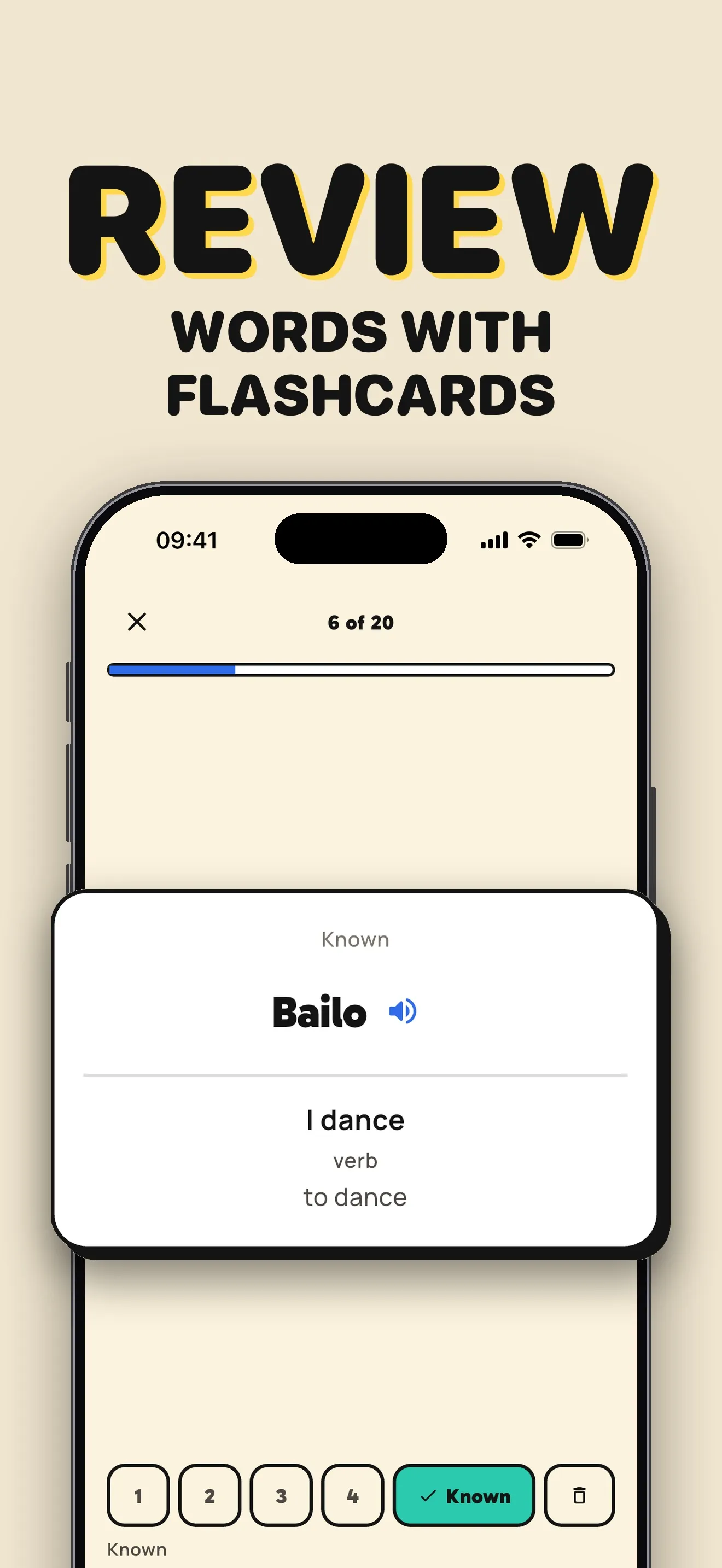
Press and hold to save a phrase, or save individual words as flashcards. Review your vocabulary before listening again.
A song prompt to try
A gentle French song about buying bread and coffee, with everyday phrases.
From a lyric to a flashcard
Translations and saved words stay close to the music, so you can switch between listening and review.
Before you start
How do I practice French pronunciation with Melodict?
Tap a word in the lyrics to hear its pronunciation. You can also slow the song down and follow the current line. Music gives you listening practice; use the individual word pronunciation to check sounds that singing stretches or changes.
Can I try Melodict for free?
Start with a free sample song. Creating new songs uses credits, available in one-time packs or with a weekly or monthly subscription. Check the App Store for current prices in your country.
Can I upload my own music?
You can upload music you already have. Melodict transcribes it on your device and adds word timings so you can follow the lyrics. You can also turn your own lyrics into a song.