
German with songs · iPhone and iPad
Hear German words in a song, then practice them.
Follow German lyrics line by line, check unfamiliar words, and save phrases you want to use. Slow the music down when you need more time to listen.
Try Melodict on the App StoreFree sample song. Creating new songs uses paid credits.
A listening session with words to keep
Start with a familiar situation
Create a German song about taking the train, buying groceries, or meeting a friend. Choose how many new words to include.
Listen for the words in each line
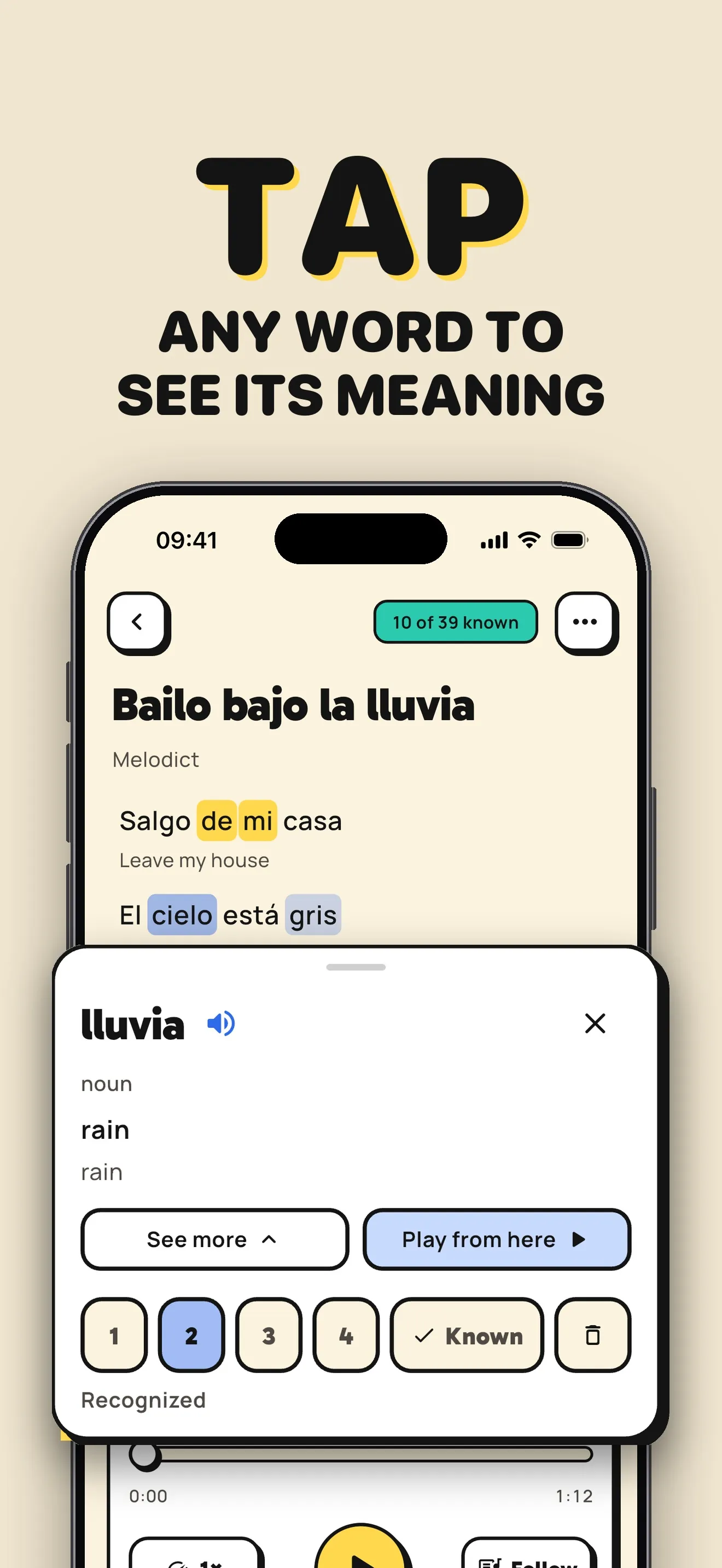
Read the translation as you listen. Tap unfamiliar words for their meaning and pronunciation, and slow down sections you want to hear again.
Save phrases as well as words
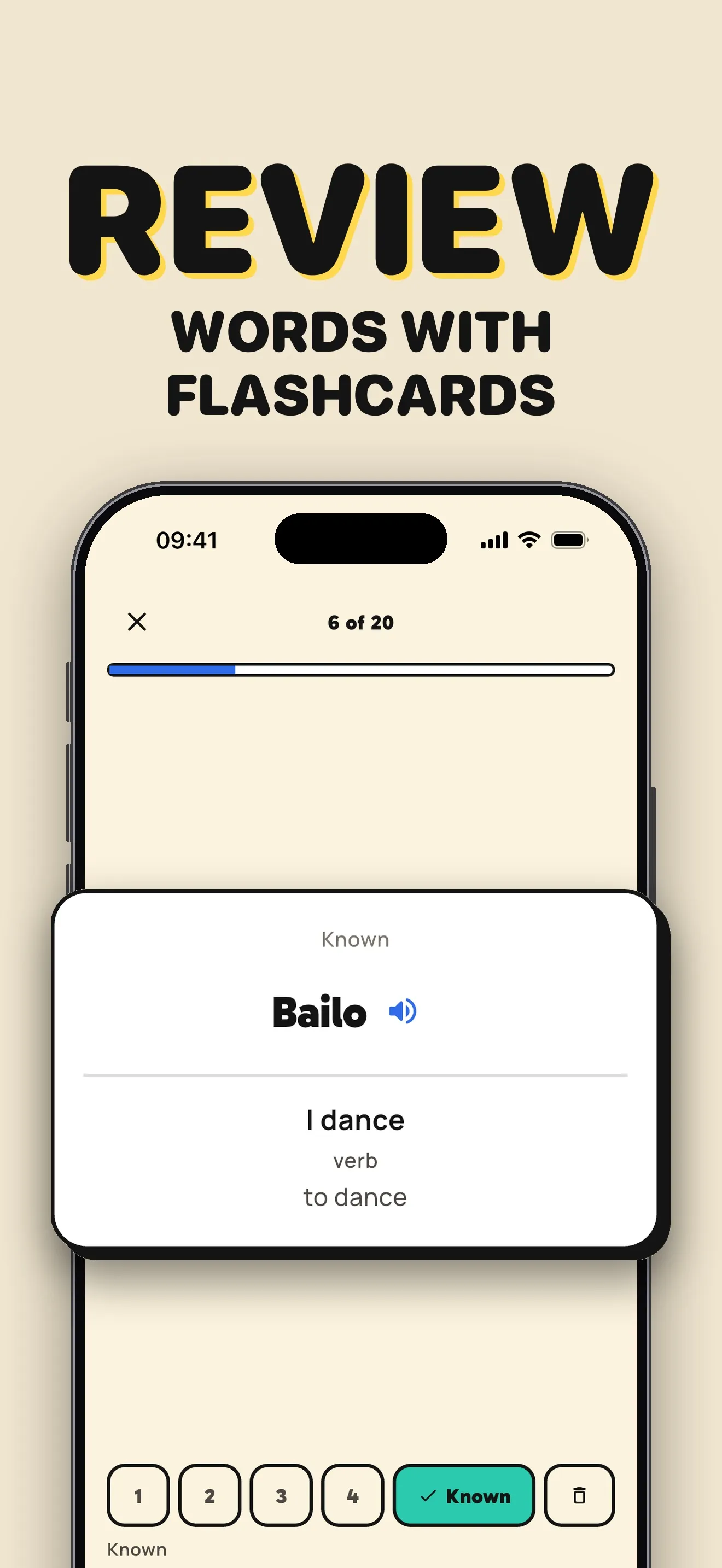
Press and hold to save a whole phrase from the lyrics. Review saved vocabulary with flashcards, then listen again with those words in mind.
A song prompt to try
A slow German song about taking the train to meet a friend, with simple everyday phrases.
From a lyric to a flashcard
Translations and saved words stay close to the music, so you can switch between listening and review.
Before you start
Can I save a German phrase instead of a single word?
Yes. Press and hold in the lyrics to save a phrase. This lets you keep words together as you heard them in the song. You can also tap individual words to check their meaning and pronunciation.
Can I try Melodict for free?
Start with a free sample song. Creating new songs uses credits, available in one-time packs or with a weekly or monthly subscription. Check the App Store for current prices in your country.
Can I upload my own music?
You can upload music you already have. Melodict transcribes it on your device and adds word timings so you can follow the lyrics. You can also turn your own lyrics into a song.