
Learn with your own music · iPhone and iPad
Study the words in music you already have.
Upload an audio file, follow its transcribed lyrics, and check unfamiliar words while listening. Save vocabulary from the music you choose.
Try Melodict on the App StoreFree sample song. Creating new songs uses paid credits.
A listening session with words to keep
Choose an audio file you have
Upload your music in the language you are learning. Melodict transcribes the audio on your device and adds word timings.
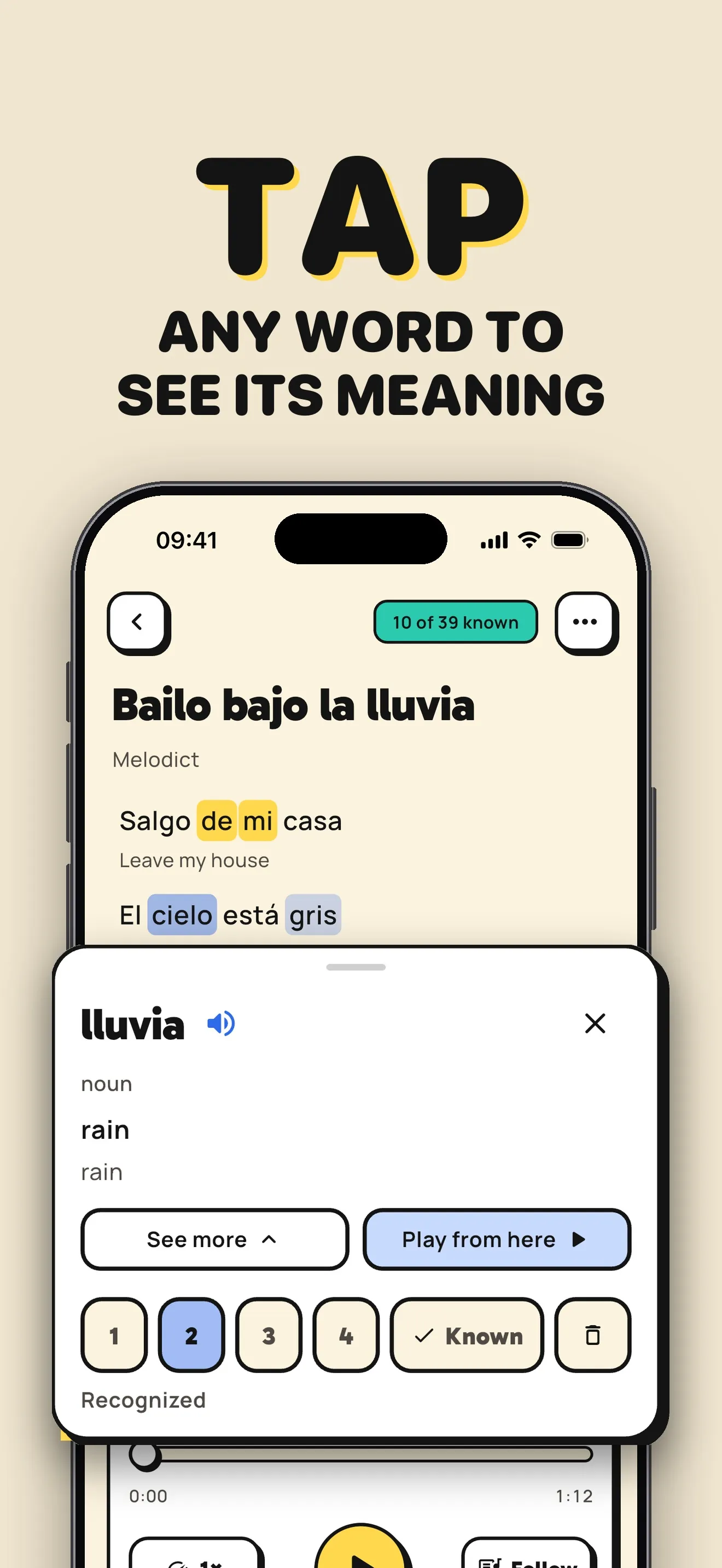
Check the lyrics as you listen
Follow the current line and compare it with what you hear. Transcription can miss words in fast singing, layered vocals, or noisy recordings.
Save vocabulary from the recording
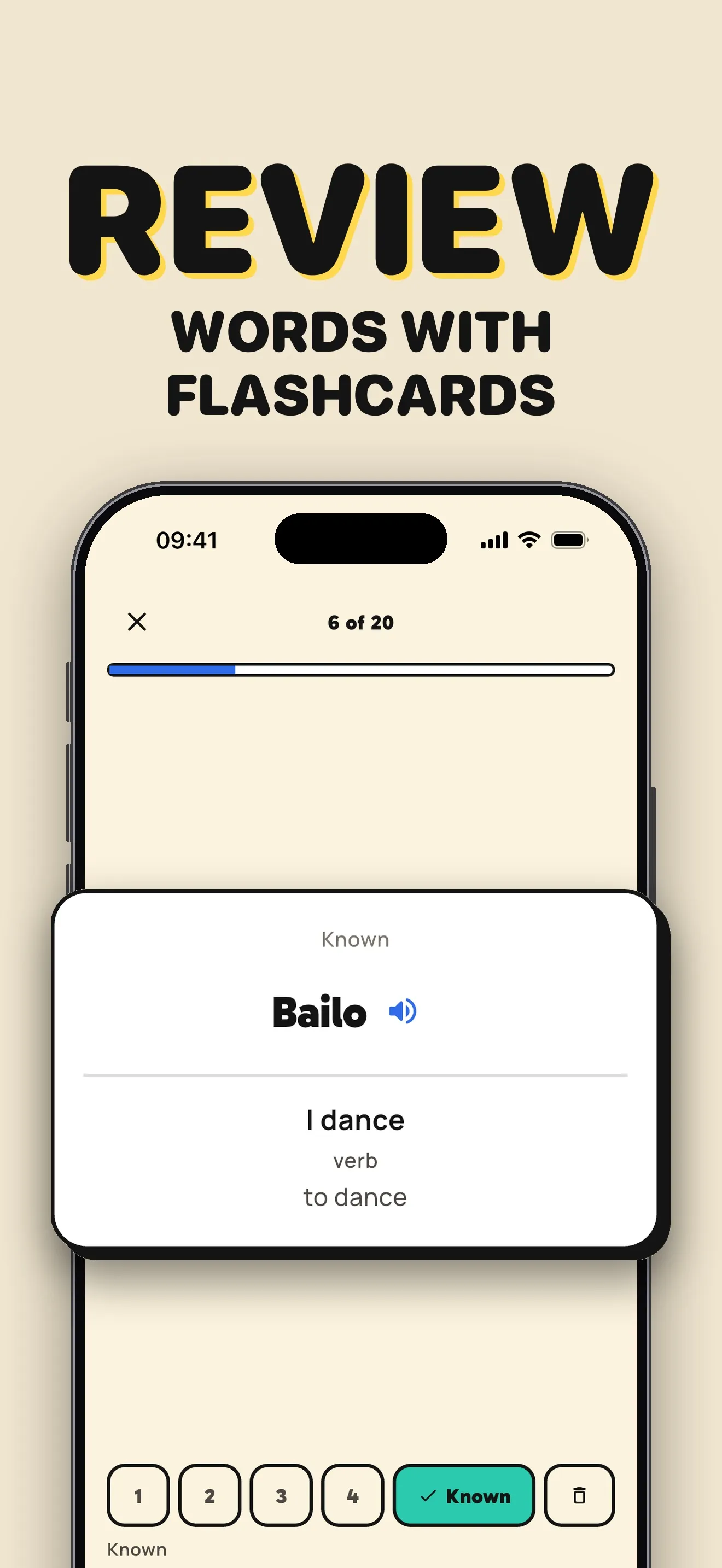
Tap a word for its meaning and pronunciation. Save useful words and phrases, then review your saved vocabulary with flashcards.
A song prompt to try
A short song using words from the audio I am studying, with a few new words to practice.
From a lyric to a flashcard
Translations and saved words stay close to the music, so you can switch between listening and review.
Before you start
Does Melodict connect to a streaming music account?
This workflow uses audio files you upload to Melodict. A streaming-service link is not an audio file. You can also create a new song from a prompt or turn your own lyrics into a song.
Can I try Melodict for free?
Start with a free sample song. Creating new songs uses credits, available in one-time packs or with a weekly or monthly subscription. Check the App Store for current prices in your country.
Can I upload my own music?
You can upload music you already have. Melodict transcribes it on your device and adds word timings so you can follow the lyrics. You can also turn your own lyrics into a song.